Ladder logic simulator
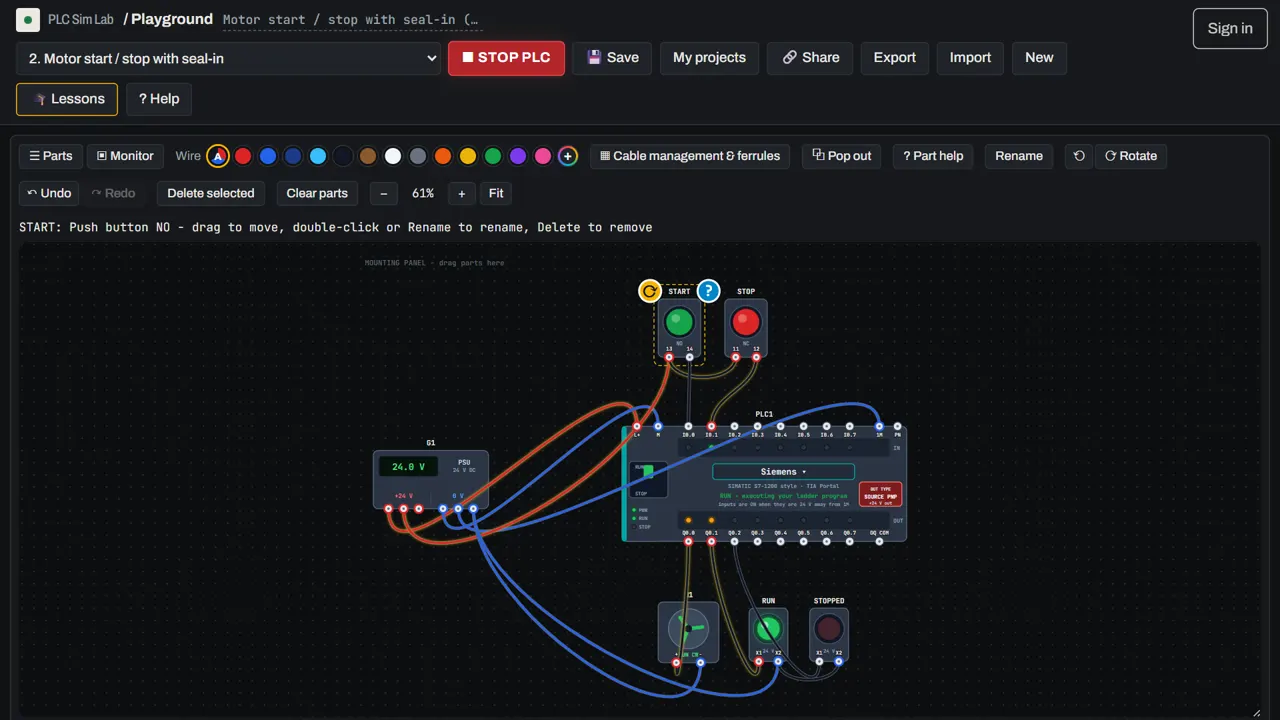
Draw a ladder program, press RUN and watch power flow through every rung. PLC Sim Lab is a free ladder logic simulator where your program controls a real wired panel: buttons, sensors, lamps, motors and machines.
 ▶ Open the free simulator
No download, no sign-up, free · runs in your browser · or start the free lessons
A ladder editor that feels like the real thing
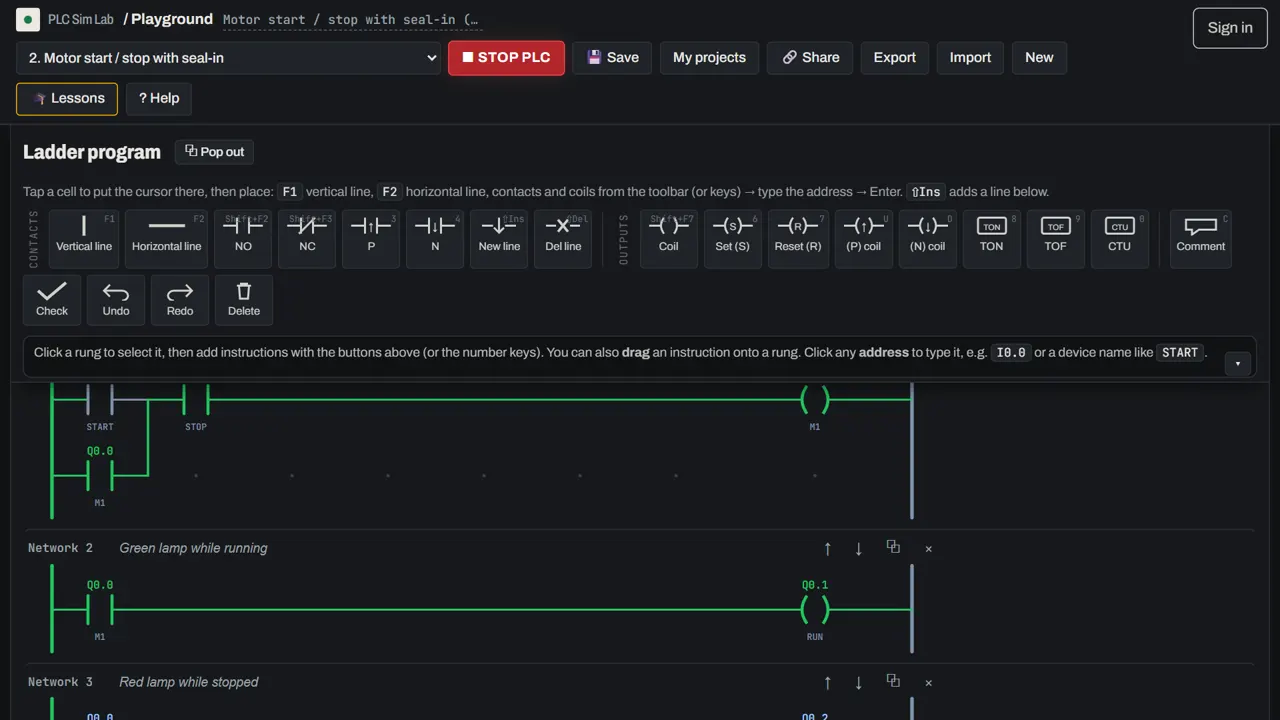
The editor is a grid, like the programming tools used on real PLCs. Put the cursor on a cell and place a normally-open or normally-closed contact, a coil, a vertical branch line, a timer or a counter, then type its address. Keyboard shortcuts follow the familiar function keys, and an undo history, rung comments and device comments are built in.
Everything you need to learn ladder logic
- Contacts and coils: NO and NC contacts, output coils, SET and RESET coils, keep relays that hold their state.
- Edge pulses: rising and falling pulse contacts and pulse coils for one-shot logic.
- Timers and counters: on-delay and off-delay timers, up counters with reset. See the guide to PLC timers and counters.
- Live monitor: a tag table shows every input, output, memory bit, timer and counter while the program runs.
- Program check: one click lists common mistakes, such as a double coil, a SET without a RESET, or an input that is used in the program but not wired.
Classic circuits to practise
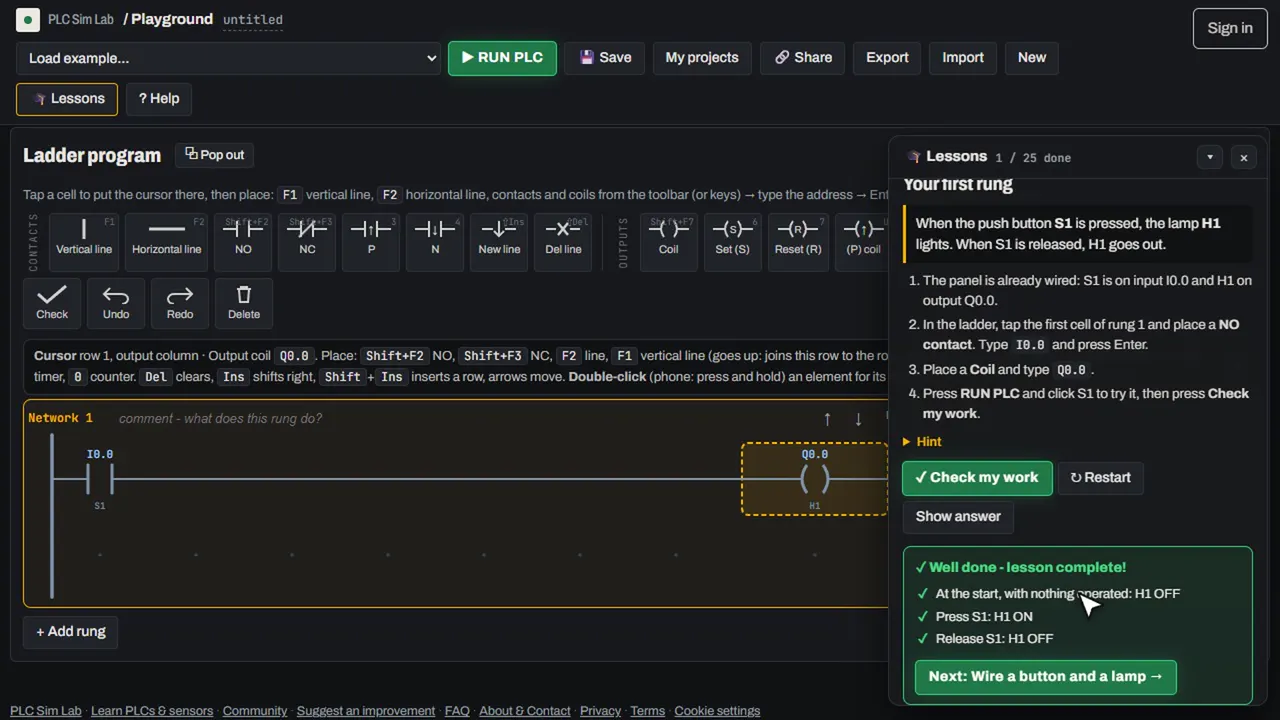
Start with the circuits every PLC programmer must know: the start/stop seal-in, AND and OR logic, interlocks between forward and reverse, a flasher made from two timers, a part counter, and an emergency stop that cannot restart the machine by itself. Each one is a guided lesson in the free PLC course, and ladder logic basics explains how rungs, contacts and coils work.
From ladder to real wiring
A ladder program is only half the job. In PLC Sim Lab you also wire the inputs and outputs, so you understand why a stop button is wired normally closed, why a PNP sensor needs the input common on 0 V, and why an output needs a load wired back to the supply. The guide to PLC wiring basics covers this in detail.
Open the free PLC simulator → Start the guided lessons →
Frequently asked questions
Can I simulate ladder logic online for free?
Yes. PLC Sim Lab lets you write and run ladder logic in your browser for free, with no download and no account needed.
Which ladder instructions are supported?
NO and NC contacts, rising and falling pulse contacts, output coils, SET and RESET, pulse coils, keep relays, on-delay and off-delay timers and up counters, with parallel branches.
Does it support other PLC languages?
The simulator is programmed in ladder logic (LD), the most common PLC language. The guide on PLC programming languages explains structured text, function block diagram and SFC.
Can I see the program running?
Yes. In RUN mode every energised contact and rung turns green, and the tag monitor shows the state of every address, timer and counter.