Free PLC training course with certificate
Learn PLC programming by doing it. Thirteen short, hands-on lessons take you from your first rung to interlocks and emergency stops, then twelve fault-finding challenges test you like a maintenance technician. Every task is checked automatically, and finishing all of them earns a free certificate.
 ▶ Start the free lessons
No download, no sign-up, free · runs in your browser · or open the simulator
Video tutorial
Watch the full tutorial (13 min, 4K): build your first PLC circuit step by step. Open on YouTube →
How the course works
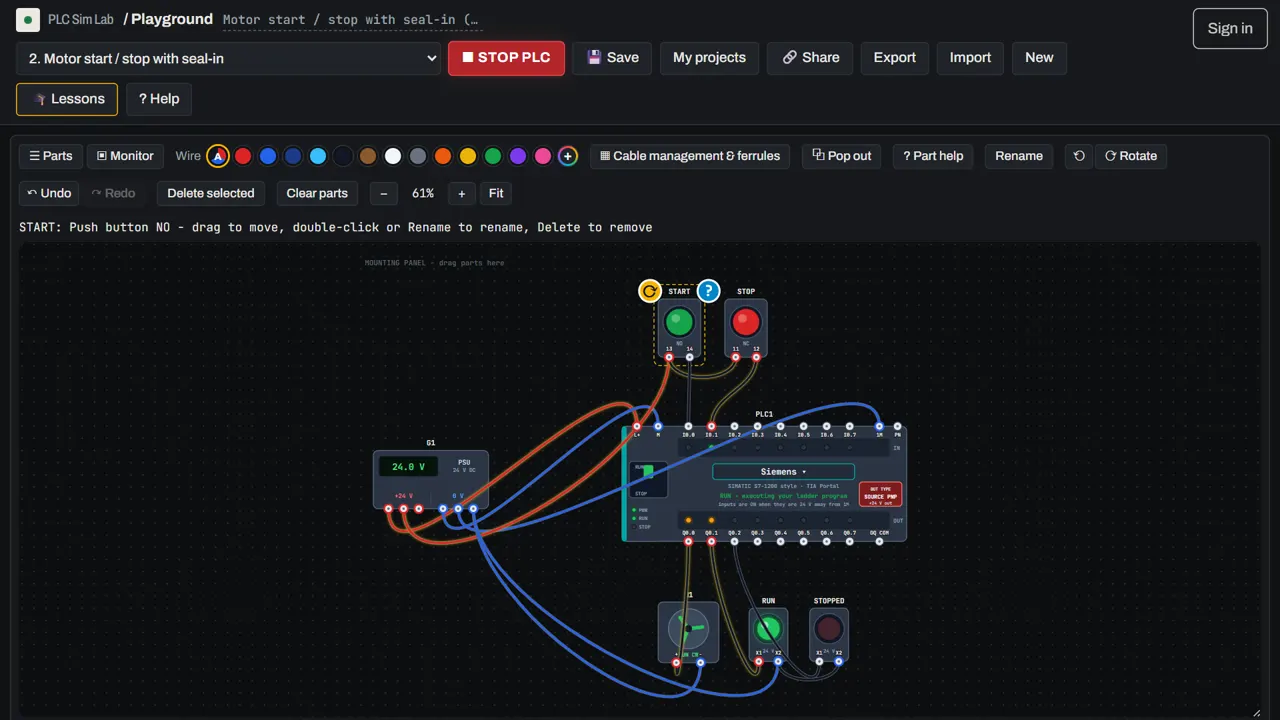
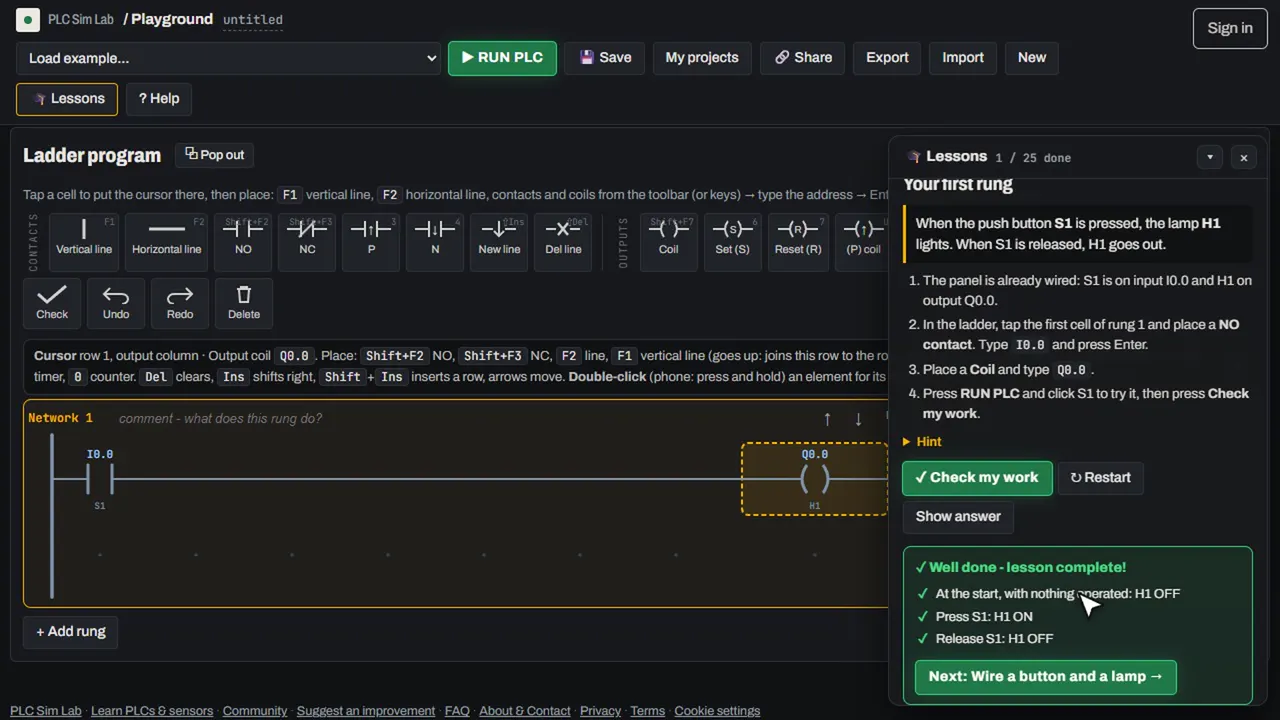
Each lesson loads its own panel in the PLC simulator and tells you what to build. When you think it works, press Check my work: the simulator operates the machine by itself (it presses the buttons, switches selectors, triggers the sensors and waits for timers) and checks every lamp and motor. If something is wrong it tells you exactly what happened and which PLC inputs and outputs were on at that moment, so you can tell a wiring mistake from a program mistake.
The 13 lessons
- Basics: your first rung · wiring a button and a lamp · the normally-closed contact (NOT).
- Logic: AND with two buttons in series · OR with two buttons in parallel · start/stop with seal-in · SET and RESET coils.
- Wiring: connecting a 3-wire PNP proximity sensor.
- Timers and counters: an on-delay timer · a flashing lamp · counting to five.
- Machines: a forward/reverse interlock · an emergency stop that cannot restart the machine by itself.
The 12 fault-finding challenges
Each challenge is a working machine with one hidden fault: a wire that is missing, a device on the wrong terminal, a wrong address, a contact that should be normally open, a timer preset that is ten times too long. You only get the operator's complaint, two hints and a multimeter. Read more on the PLC troubleshooting practice page.
Your certificate
Finish all 25 tasks while signed in and you get a certificate of completion with your name, the date and a unique ID. It has a public link that anyone can open to verify it, a printable A4 version, and a one-click button to add it to the "Licenses & certifications" section of your LinkedIn profile. See a sample certificate.
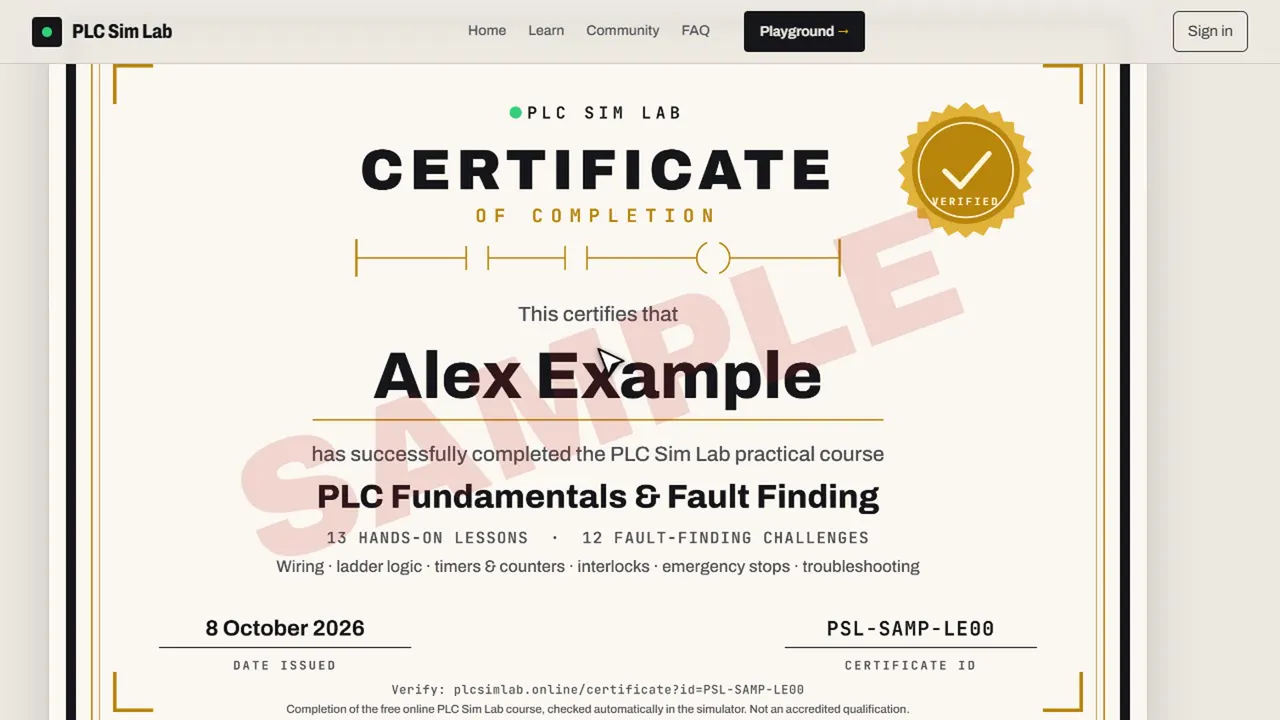
The certificate confirms that you completed this free online course. It is not an accredited qualification, but it is a good way to show employers that you have practised wiring, ladder logic and fault finding.
Open the free PLC simulator → Start the guided lessons →
Frequently asked questions
Is the PLC course really free, including the certificate?
Yes. All lessons, challenges and the certificate are free. You only need a free Google sign-in so your progress and certificate are saved to your account.
How long does the course take?
Most beginners finish the 13 lessons in two to four hours and the 12 fault-finding challenges in another one to three hours. You can stop at any time; progress is saved.
Do I need any experience?
No. The first lessons start from zero. The guides in the Learn section explain every topic in plain English if you want more background.
Is the certificate accredited?
No. It is a certificate of completion for a free online course, with a public link anyone can use to verify it. It shows that you have practised the skills, not that you hold a formal qualification.
Which PLC brands does the course use?
The tasks work with all four addressing styles in the simulator: Siemens-style, Mitsubishi-style, Allen-Bradley-style and TOYOPUC-style. Lesson text follows the style you choose.