PLC troubleshooting practice
Fault finding is the skill maintenance technicians use every day, and it is hard to practise without breaking a real machine. PLC Sim Lab gives you twelve machines that each have one hidden fault. You get the operator\’s complaint; you find the cause, fix it, and the simulator checks the machine again.
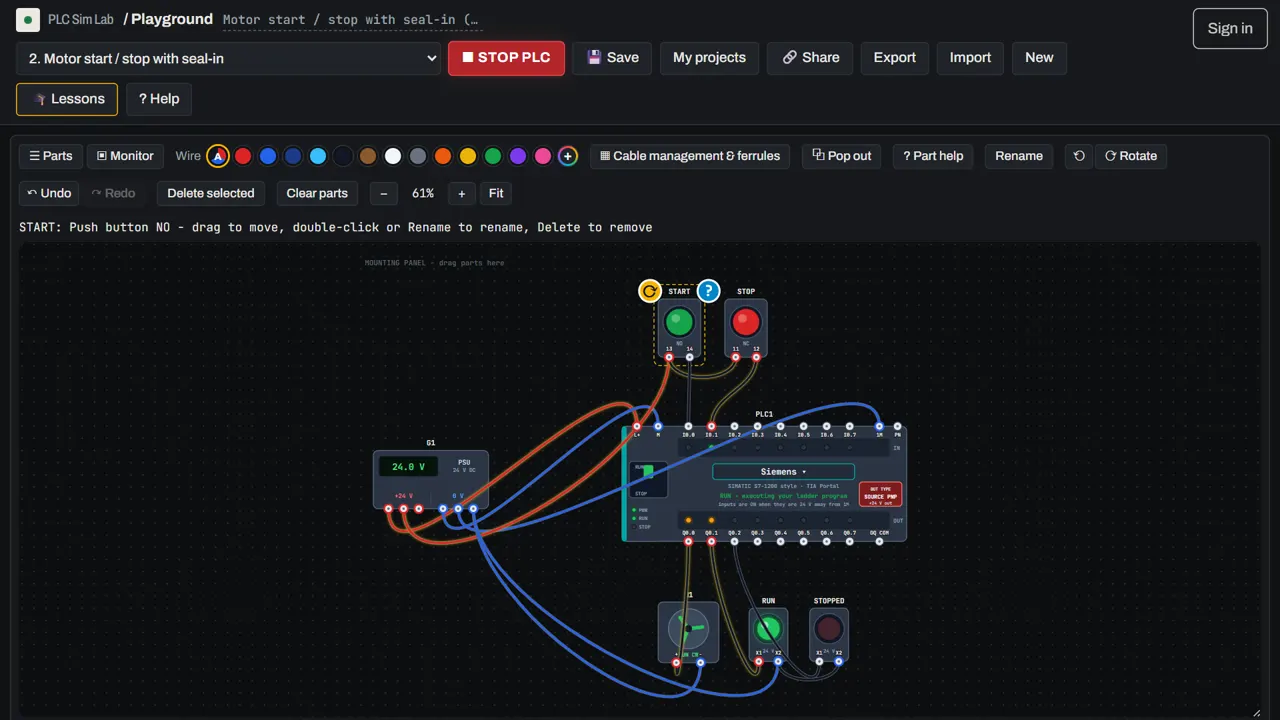 ▶ Start the free lessons
No download, no sign-up, free · runs in your browser · or open the simulator
Real faults, safe to practise
Every challenge starts from a machine that worked, then breaks exactly one thing in the wiring or in the program. The faults are the ones technicians meet again and again on the shop floor:
- Wiring faults: a button not wired to its input, a lamp with no return wire to 0 V, the PLC input common left unconnected, a device landed on the wrong terminal, a sensor with no supply, an output wired to the wrong load.
- Program faults: a RESET on the wrong address, a stop contact written as normally closed, a seal-in contact with the wrong address, a timer preset ten times too long, a counter reset by the wrong input, an emergency stop missing from the motor rung.
A method, not guesswork
Each challenge walks you through the same method a good technician uses:
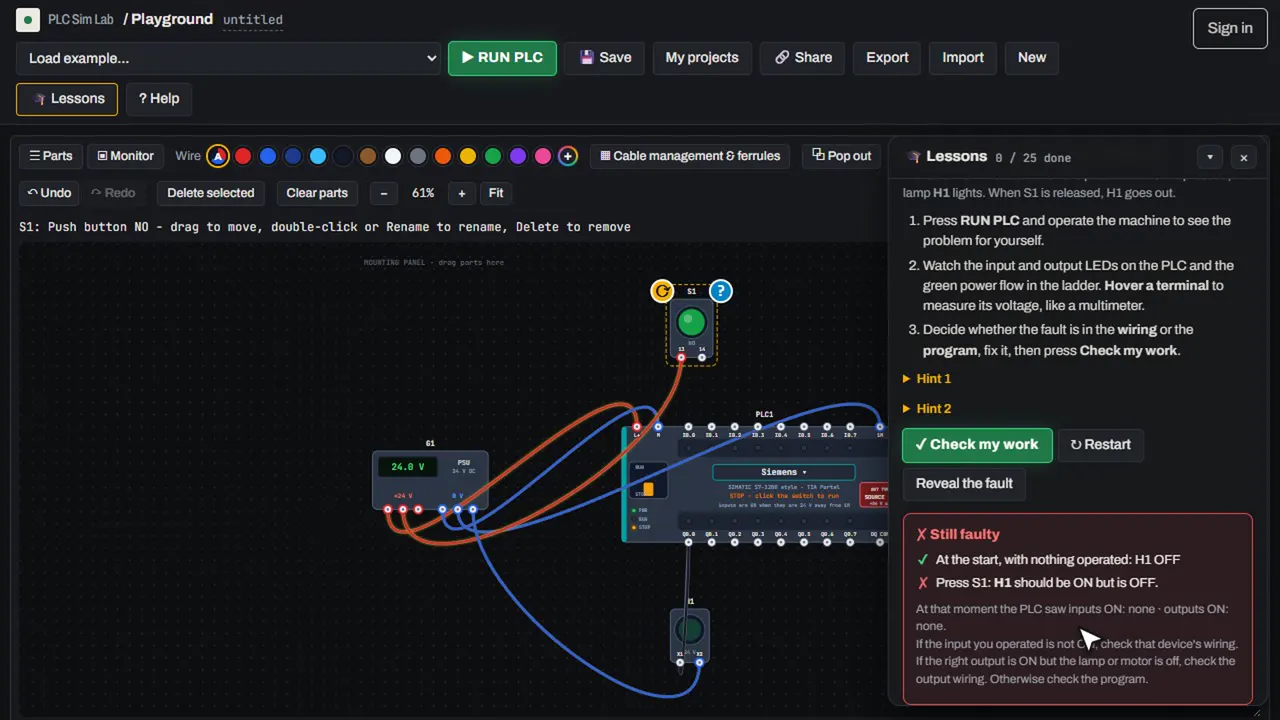
- See the problem yourself. Press RUN and operate the machine.
- Split the circuit in half. Did the PLC input turn on? If not, the fault is on the input side. If the input turned on but the output did not, look at the program. If the output turned on but the lamp or motor did not, look at the output wiring.
- Measure. Hover any terminal to read its voltage, like a multimeter.
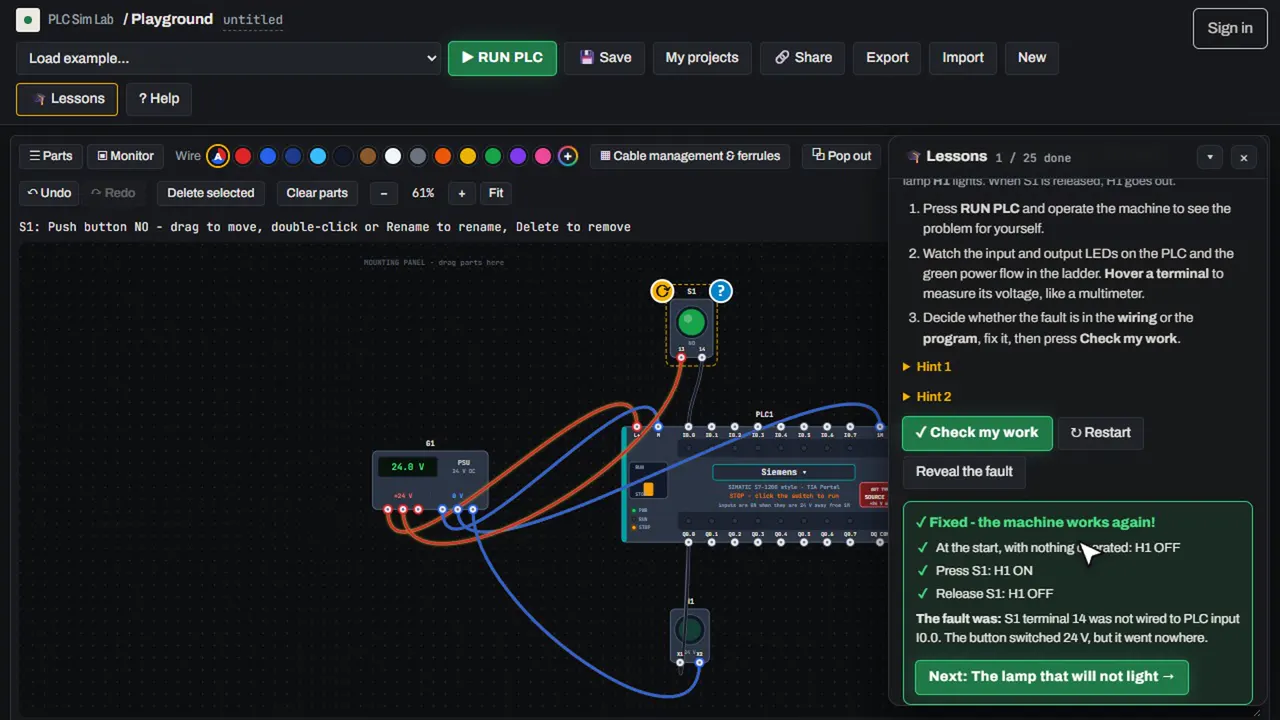
- Fix one thing and test again. Press Check my work. The simulator runs the full test and tells you whether the machine works.
Build the background knowledge
Fault finding is easier when you know how each device should behave. Useful guides: PLC wiring basics, PNP vs NPN sensors, sensor wiring methods, emergency stop circuits and contactors and overload relays. If you are new, do the 13 guided lessons of the free PLC course first.
Open the free PLC simulator → Start the guided lessons →
Frequently asked questions
How do I practise PLC troubleshooting without real equipment?
Use a simulator that models the wiring as well as the program. In PLC Sim Lab every terminal has a real voltage, so wiring faults behave like they do on a real panel and you can measure them.
What is the best way to find a PLC fault?
Split the problem in half: check whether the PLC input turns on, then whether the program turns the output on, then whether the output reaches the load. Measure before you change anything, and change one thing at a time.
Are the challenges random?
There are 12 fixed challenges, and a Random fault button picks one you have not solved yet.
Do the challenges count towards the certificate?
Yes. The 12 fault-finding challenges and the 13 lessons together make up the course; finishing all 25 earns the free certificate.